How to Adjust Sales
- Navigate to the Reporting section on the left side of the navigation panel.
- Select Adjust Data.
- Select your Contract from the dropdown list.
- Select a Reporting Period from the dropdown list.
- Select applicable Task Order(s) from the multiselect dropdown list.
- Wait for the Adjust Data tables to display and verify the Adjust Data tables are updated with your previously submitted data.
- Locate your task order for the applicable reporting period.
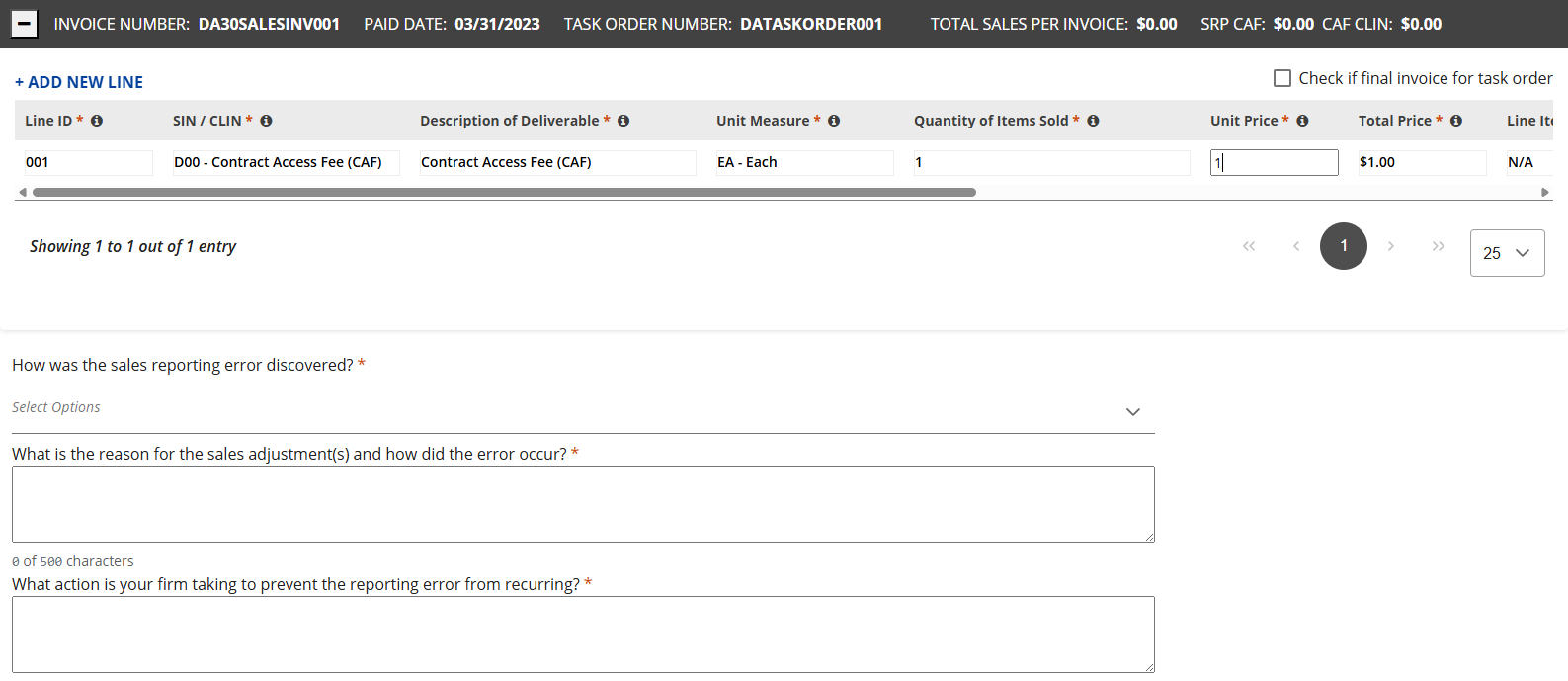
- Edit the Unit Price of the necessary CLIN.
|
You can enter additional line items or delete entries. Click the + sign to add a new SIN/CLIN to an invoice. Click the x at the end of the line to remove a line item or click the Delete Invoice button to remove the entire invoice. |
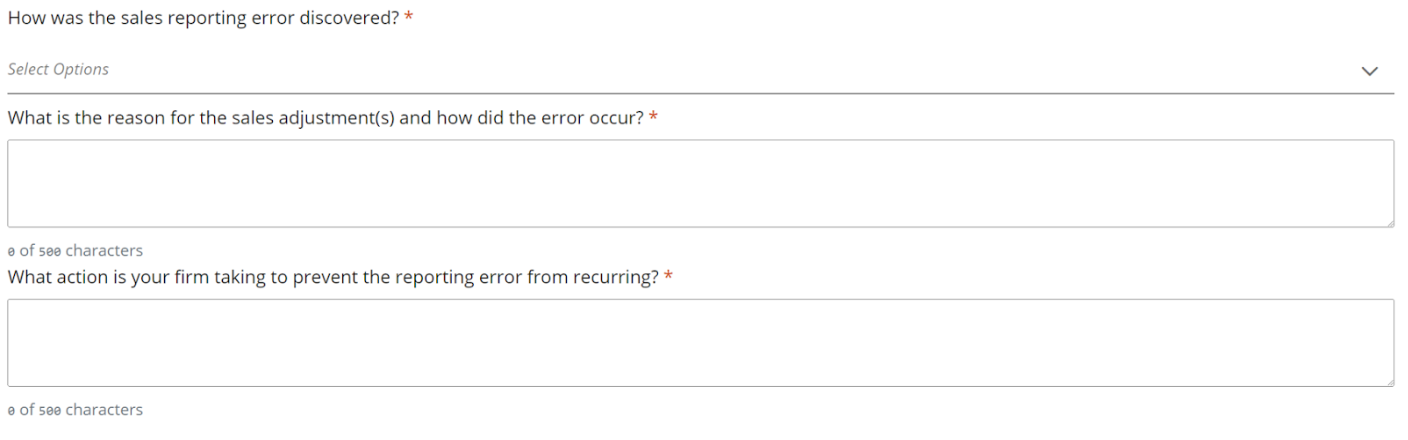
- At the bottom of the screen, enter answers to the adjustment questionnaire.
- You can now either Save or Submit.
- Select Submit and accept the pop-up disclaimer by checking the box and selecting Yes.
| S |
You will receive an Invoice Adjustment notification via email. |